




Friday, May 28, 2010

Thursday, May 27, 2010
Thursday Tutorial's #11
Today's tutorial is for you Gypsy lovers!
Many crafters are using the Gypsy to make loads of beautiful creations.
Some of the best Gypsy tutorials on the web feature designs by
Check out her tutorial #41 by clicking here
She actually created this in her Gypsy using

Also, check out her tutorial #38 - by clicking here
Emma used her Gypsy for this one also plus did some welding!

Emma has loads of tutorials for the Gypsy.
If you own one hop on over to her blog and learn all the
Leave a comment here and let us know how you liked these tutorials.
And be sure to click on over to Emma's blog and to let her know that you
found her tutorials at Fantabulous Cricut.
I hope you enjoyed today's Thursday's Tutorial.
If you have a tutorial that you would like to share for
cokiepop@yahoo.com
Have a Creative Day!
Angi
Wednesday, May 26, 2010
Wednesday Winners #10
Thanks to everyone who played along for our last challenge, awesome gift bags and boxes .
To find out more info on each card, just click on the name above the photo.
To find out more info on each card, just click on the name above the photo.
Using random.org our winner is #13
Congratulations to...
Jennifer Hawkins
 You have won a a $20 Gift certificate from "Stamp Out Online"
Jennifer please contact me HERE with your address so we can get send your prize to you. Remember to add FCCB "Winner Blinky" to your blog sidebar...you can find our blinky code in our right hand sidebar.
 You have won a a $20 Gift certificate from "Stamp Out Online"
Jennifer please contact me HERE with your address so we can get send your prize to you. Remember to add FCCB "Winner Blinky" to your blog sidebar...you can find our blinky code in our right hand sidebar.
Design Team Top 3 Picks
Madison

Lori

Kate
 Go grab your "Top 3" blinky and add it to your blog! You can find the blinky in our right-hand sidebar.
Congratulations to you all, such wonderful creations!

Lori

Kate
 Go grab your "Top 3" blinky and add it to your blog! You can find the blinky in our right-hand sidebar.
Congratulations to you all, such wonderful creations!
Tuesday, May 25, 2010
Quick Tip #11
Good Morning Scrappers, I hope you are all having a terrific start to your week! It is Tuesday yet again which means it is time for another one of those fantabulous tips, so here we are short, sweet and super inspiring!
Do you ever have a hard time coming up with the perfect layout title or card sentiment? I know I do and when I am stuck I turn to a great site called "Quote Garden". Quote Garden contains sentiments, quotes and poems for every occasion and reason. So next time your stuck be sure to head on over and find the perfect words!
Hope this little link helps you out in the future!
Have a great week!!

Monday, May 24, 2010
Challenge Me Monday #11
Thank you to everyone who participated in challenge 10, there were wonderful creative gift bag and box projects, I hope you all had a chance to see them if not click on "Challenge Me Monday" and scroll down to Challenge #10
It's a wonderful Monday morning and time for our next challenge....

 We would like to welcome our new sponsor:
It's a wonderful Monday morning and time for our next challenge....
Challenge #11
Beautiful Flowers for May:
Create a project using at least 3 flowers on your project.
As always there does need to be a cricut cut image somewhere on the project it does not need to be the featured challenge item.
Design Team Creations
Angi
Create a Critter
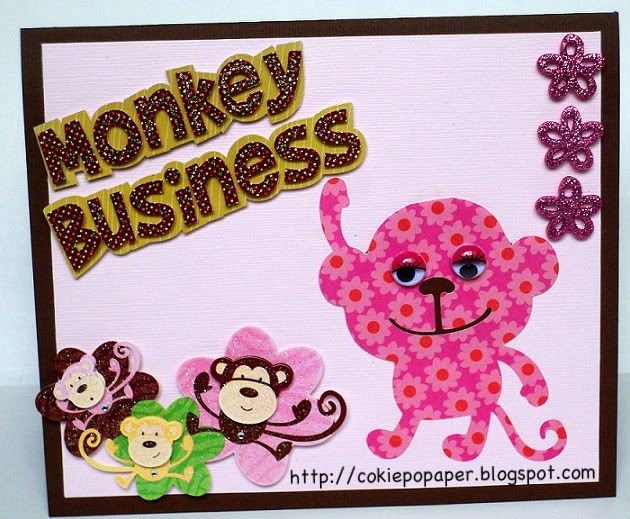
Brenda
George & Basic Shapes

Candace
Walk in My Garden, Create a Critter, Gypsy Wanderings, Storybook, Easter Solutions
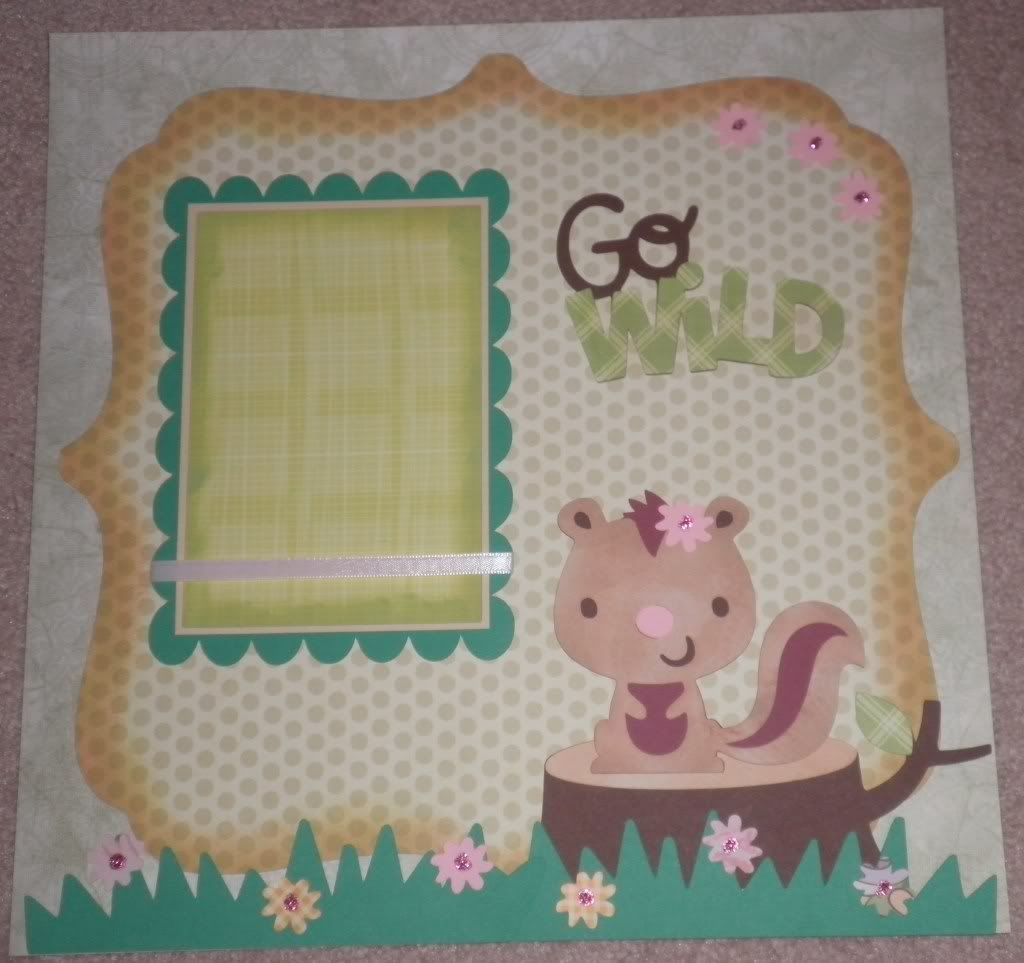
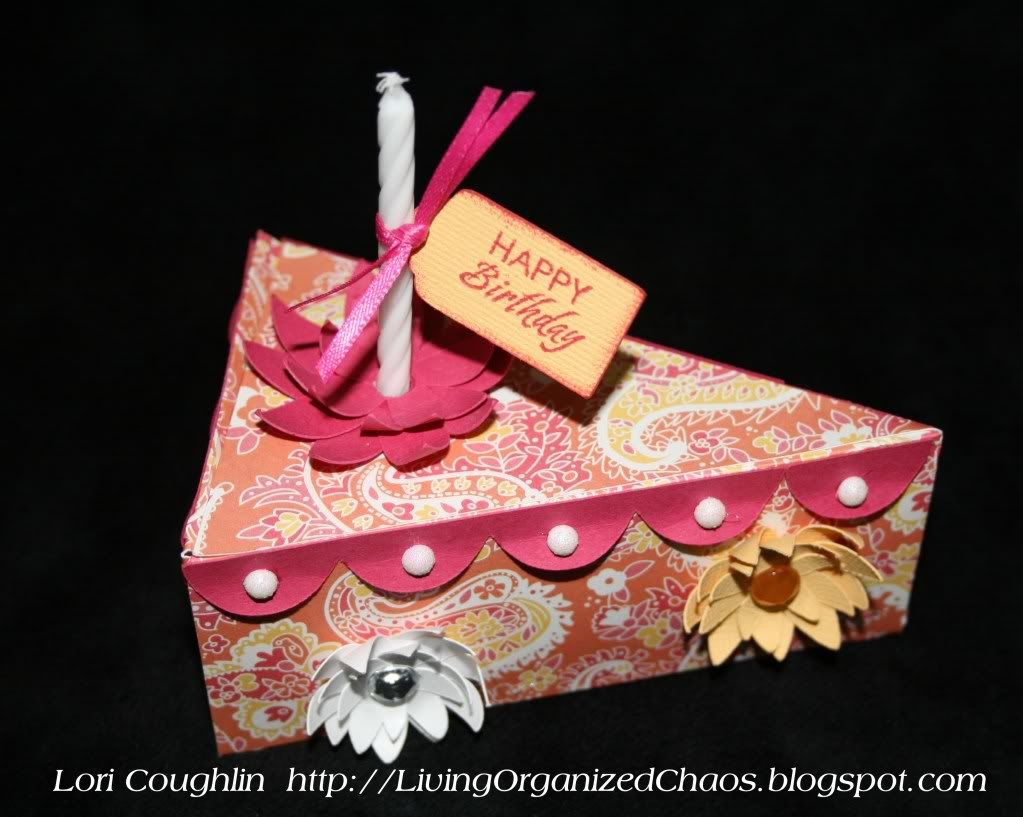
Lori
Tags Boxes & More, Accent Essentials
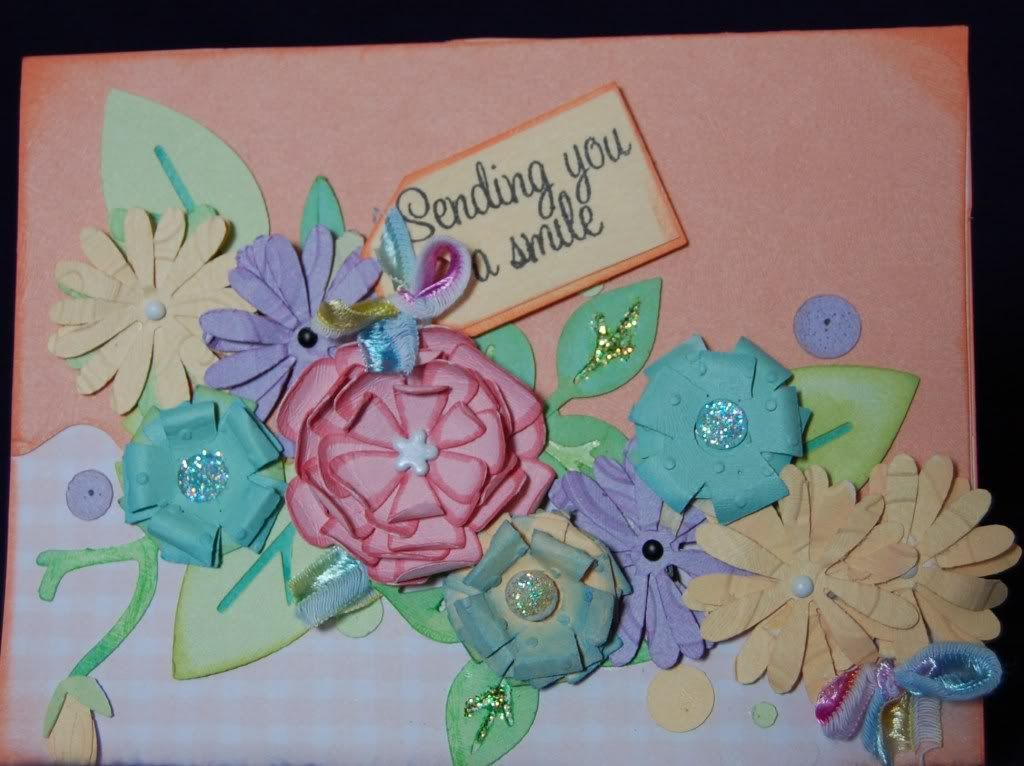
Nana
Gypsy Wanderings

Penny
Walk in My Garden
Robin
Storybook
Beautiful Flowers for May:
Create a project using at least 3 flowers on your project.
As always there does need to be a cricut cut image somewhere on the project it does not need to be the featured challenge item.
Design Team Creations
Angi
Create a Critter
Brenda
George & Basic Shapes
Candace
Walk in My Garden, Create a Critter, Gypsy Wanderings, Storybook, Easter Solutions
Lori
Tags Boxes & More, Accent Essentials
Nana
Gypsy Wanderings
Penny
Walk in My Garden
Robin
Storybook

Walk in My Garden, Doodlecharms
 We would like to welcome our new sponsor:
"Cokie Pop Paper" will be donating a $15 Gift Certificate to Challenge #11winner. Go visit the shop today -HERE!
If you link below to advertise, or your project does not go with the challenge your post will be deleted.
If you link below to advertise, or your project does not go with the challenge your post will be deleted.
Add your name and URL below
Saturday, May 22, 2010
Scrappin' Saturday: Make Your Own Lace Cardstock
Welcome to another Scrappin' Saturday here at Fantabulous Cricut!
Several weeks ago, I showed you how to make your own "laser-cut" decorative edge papers using your Cricut. If you missed that article, you can see it HERE.
Well, here's another way to customize your papers to make your layouts truly unique...
You're probably familiar with the super-popular 12x12 "lace cardstock" pages that have the die-cut flower, butterfly or swirl patterns, and cost a ton more than a regular piece of cardstock, right? Well why not make your own?

There are two ways that I know of to do this:
1) Use the "Fit To Page" function to cut a particular pattern from your cartridge stash...several cartridges have die-cuts that could be used for this type of project, including Storybook and Wild Card. For this layout, I used the Wild Card cartridge and a 12x12 sheet of hot pink cardstock. Using "Fit To Page", the pattern was cut at 11".
2) Using Design Studio, weld several shapes together (covering an area equal to that of your page) and cut. This will give you the same result as above, only you can make your lace cardstock out of any shape in your stash!!!
Several weeks ago, I showed you how to make your own "laser-cut" decorative edge papers using your Cricut. If you missed that article, you can see it HERE.
Well, here's another way to customize your papers to make your layouts truly unique...
You're probably familiar with the super-popular 12x12 "lace cardstock" pages that have the die-cut flower, butterfly or swirl patterns, and cost a ton more than a regular piece of cardstock, right? Well why not make your own?

There are two ways that I know of to do this:
1) Use the "Fit To Page" function to cut a particular pattern from your cartridge stash...several cartridges have die-cuts that could be used for this type of project, including Storybook and Wild Card. For this layout, I used the Wild Card cartridge and a 12x12 sheet of hot pink cardstock. Using "Fit To Page", the pattern was cut at 11".
2) Using Design Studio, weld several shapes together (covering an area equal to that of your page) and cut. This will give you the same result as above, only you can make your lace cardstock out of any shape in your stash!!!
Either way, you'll end up with a custom "lace cardstock" look without having to break the bank. Fun, right?
Now it's your turn...I want you to try this technique and share your gorgeous pages with everyone. Please leave a comment below with a link to your project...can't wait to see what you come up with!
Happy Scrappin'!!! :)

Now it's your turn...I want you to try this technique and share your gorgeous pages with everyone. Please leave a comment below with a link to your project...can't wait to see what you come up with!
Happy Scrappin'!!! :)
Subscribe to:
Posts (Atom)